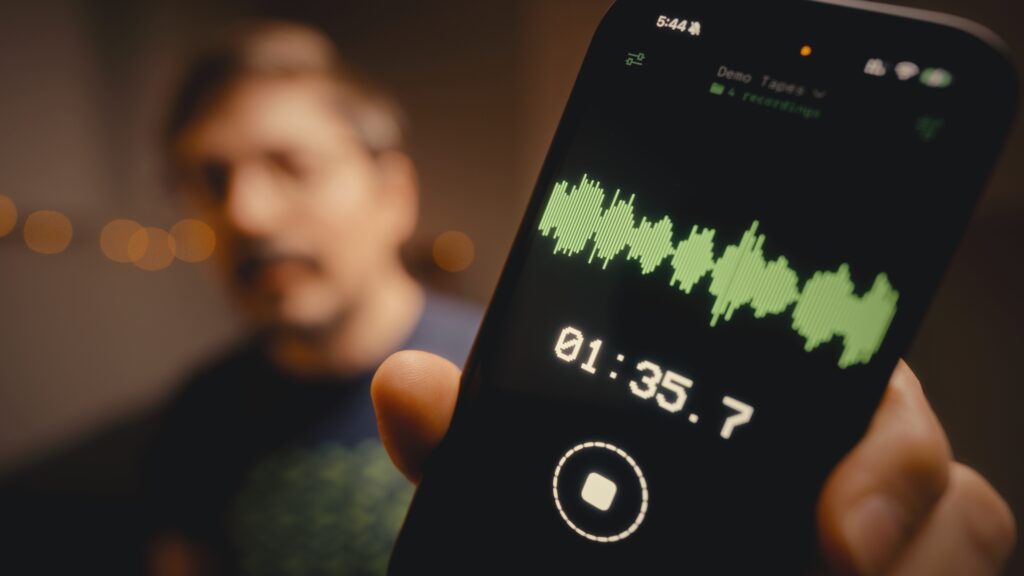
If you're a musician, this scenario probably sounds familiar. You get an idea, a melody, a vocal hook, and you grab your phone to record it before it disappears. Voice Memos works for that first step. But then you want to actually use the recording in Ableton or Logic, and the workflow falls apart.
I ran into this problem for years. So in January, after getting laid off from my iOS developer job, I built the app I'd always wished existed. It's called Drop.
Here's a first look video, and below I'll go through why I built it and how it works.
The problem with Voice Memos for musicians
Voice Memos does one thing well: it records audio. But if you try to take that recording and drag it into a DAW, you'll hit three friction points.
You can't drag and drop from Voice Memos directly into Ableton or Logic. You have to export to Finder first, find the file, then drag it into your session.
Once you export, the original file lives in Finder. Your session now references a file in some random download folder, not the one in Voice Memos. If you ever move or clean up those folders, the reference breaks and the recording disappears from your project.
Voice Memos also organizes recordings by date, not by project. If you're working on five songs at once, good luck remembering which recording belongs to which idea.
What about other iPhone recording apps?
There are apps that solve some of these problems. Most of them want a subscription. You pay every month to record your own ideas. And even the ones that accept a one-time purchase usually upload your audio to their servers. In 2026, with every company quietly training AI on anything they can access, I don't want my musical ideas sitting on someone else's infrastructure.
So here's what I actually wanted in a recording app:
- Record on iPhone with one tap
- Automatic sync to my Mac, no manual export
- Direct drag and drop into my DAW
- No account, no subscription, no servers
That app didn't exist. So I built it.
Introducing Drop
Drop is an iOS and macOS app that does exactly what I described. You open the iPhone app, tap the red record button, and record. The recording syncs through your iCloud to your Mac, not my servers, your iCloud, and shows up in a menu bar app on your Mac. From there, you drag it straight into Ableton, Logic, DaVinci, or any DAW that accepts audio files.
No sign-up. No account. No export menus. Record on phone, drag into DAW.
How the workflow actually looks
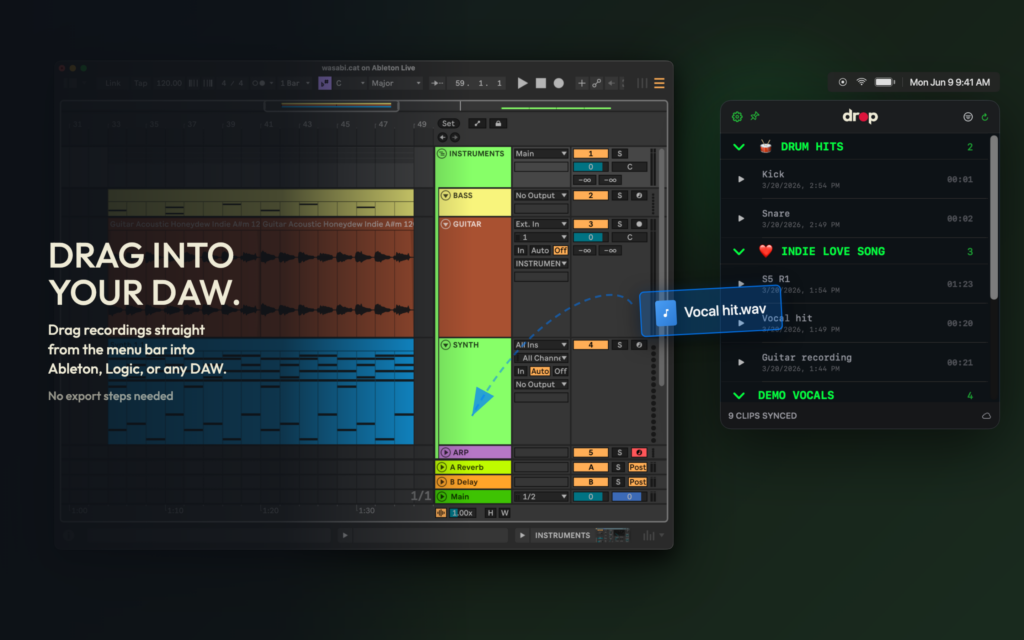
Here's a typical session for me:
I'm on my couch, guitar in hand. I play something I like. I grab my phone, open Drop, tap record. Play the riff. Tap stop.
I walk back to my studio. The recording is already synced to my Mac through iCloud. I open Drop's menu bar app, drag the WAV file into Ableton. The idea is in my session, ready to build on.
Total time from idea to session: however long it takes me to walk from one room to the other.
Drop records in stereo at configurable quality, with folder organization so you can group recordings by project or session. You can rename recordings on either device and the changes sync.
Privacy and pricing
Your audio stays in your iCloud. It never touches my servers. I genuinely cannot see what you record because that's how Apple's iCloud privacy works.
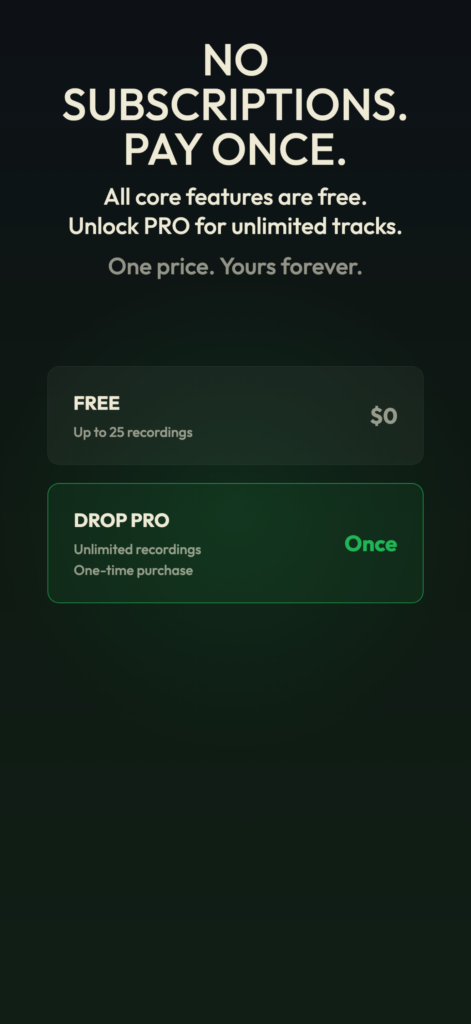
Drop is free to download. You get 25 recordings, which you can use as a rolling buffer. Record, drag to your DAW, clear them out, record more. You can keep doing that forever without paying anything.
If you want to keep all your recordings and build up a library, Drop Pro removes the limit. It's a one-time purchase. No subscription, no surprises.
The story behind it
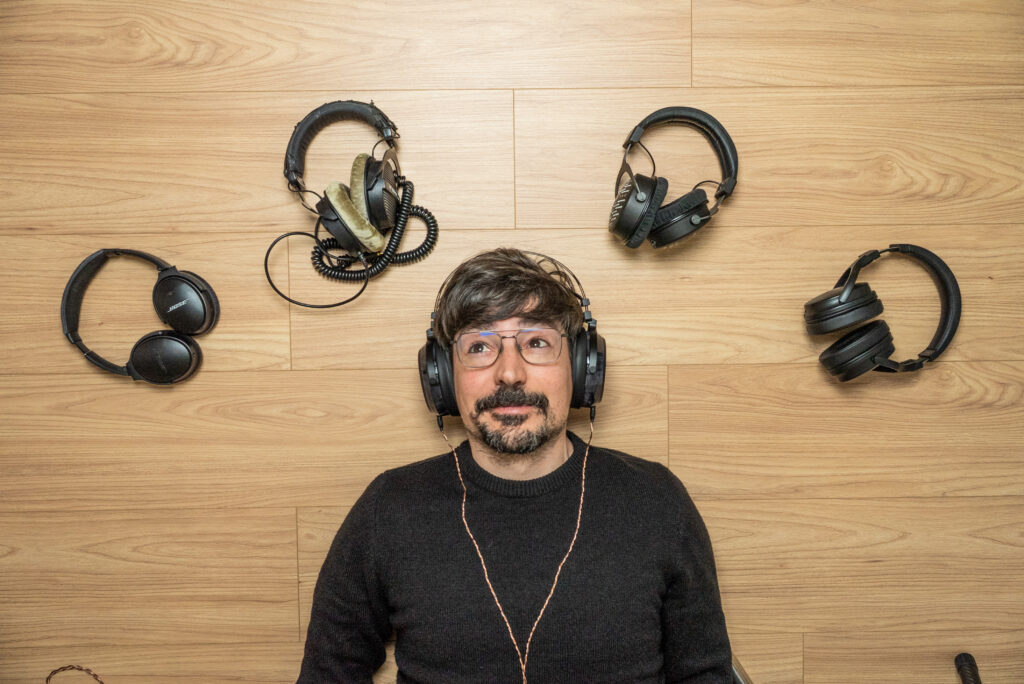
A bit of context on why this exists.
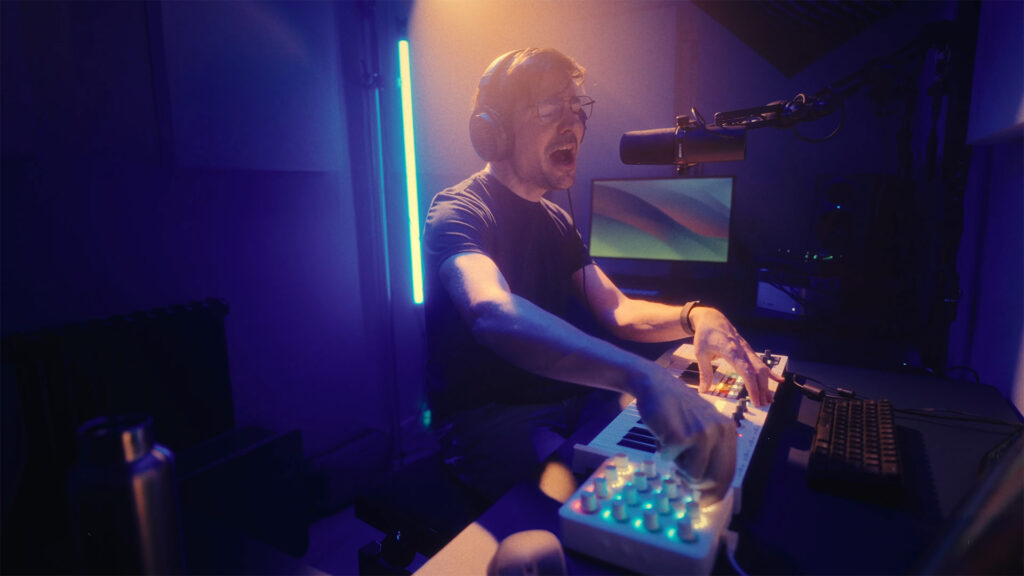
I've been doing iOS development for 15 years. I've been coding since 2000. I'm also a musician, producing synthwave and ambient stuff under the name WasabiNoise. The intersection of "software engineer" and "musician" means I've been running into this specific frustration for over a decade.
In January I got laid off. Instead of spending three months refreshing LinkedIn, I opened Xcode and built the thing I'd been thinking about for years. My wife Regina (a designer) worked on the visual design with me. Without her pushing me to actually ship it, I'd probably still be polishing the onboarding screen.
We're running this under Wasabi.cat, a small creative lab where we put the apps, music, and other things we make together.
FAQ
Do I need an account to use Drop? No. Drop uses your iCloud to sync between iPhone and Mac. There's no separate account or sign-up.
Is Drop really free? Yes. You get 25 recordings. If you drag them into your DAW and clear them out, that 25-recording buffer works forever. You only pay if you want unlimited recordings with Drop Pro.
Which DAWs work with Drop? Any DAW that accepts audio files. I've tested Ableton Live and DaVinci Resolve. Logic Pro and others should work the same way since Drop exports standard WAV files.
Does my audio go to your servers? No. Your recordings stay in your iCloud. I don't have access to them.
What iPhone and Mac do I need? Any iPhone and any Mac signed into the same iCloud account. Both apps are available on the App Store.
Is Drop Pro a subscription? No. Drop Pro is a one-time purchase. You pay once and keep unlimited recordings forever.
Try Drop
If you've ever lost a song idea because getting it off your phone was too much hassle, give it a try.
- Website: drop.wasabi.cat
- Requirements: iPhone + Mac, both signed into the same iCloud
- Cost: Free for 25 recordings at a time. Drop Pro one-time purchase for unlimited.
If you make something with it, I'd love to hear it. You can reach me through the WasabiNoise YouTube channel or on Wasabi.cat.
You can also check out Regina's channel at @rgbcn, where she shares her work on illustrations.
Want to support what we're doing? Regina and I made some t-shirts under the Wasabi.cat brand. If you want to help fund the next app (or just wear something we designed), check out shop.wasabi.cat.